How to save mobile data downloading torrents?

There are some moments —some sad moments— when you are away from home/work/school and you don’t have wi-fi to connect. If that’s the case, maybe your mobile phone will start consuming data. And if you run out of mobile data without realizing it, you may be in trouble.

So today we are going to explain how to save mobile data. Sometimes, you only to change a few settings on your Android in order to not use mobile data. For example, if you don’t want to use your mobile data downloading torrents. We made a very useful video explaining how to save mobile data downloading torrents from BitTorrent with FrostWire.

Did you like this video? Subscribe to our channel on YouTube.

Tips to save battery on Android

Do you get angry when your cellphone is running out of battery? Do you want to learn how to save battery on your Android device? We made a video that can help you! Sometimes you just need to do some little things in order to save battery!

This video will show you how to save battery when downloading files from the BitTorrent Network and YouTube when using FrostWire Plus for Android

Did you like this video? Subscribe!

How to Extract Audio from Videos

Many times we want to extract audio from videos in order to listen to or to use in a project. FrostWire allows you to easily extract audio from videos.

1. Open FrostWire (if you don’t have FrostWire yet, download it for free on FrostWire.com).
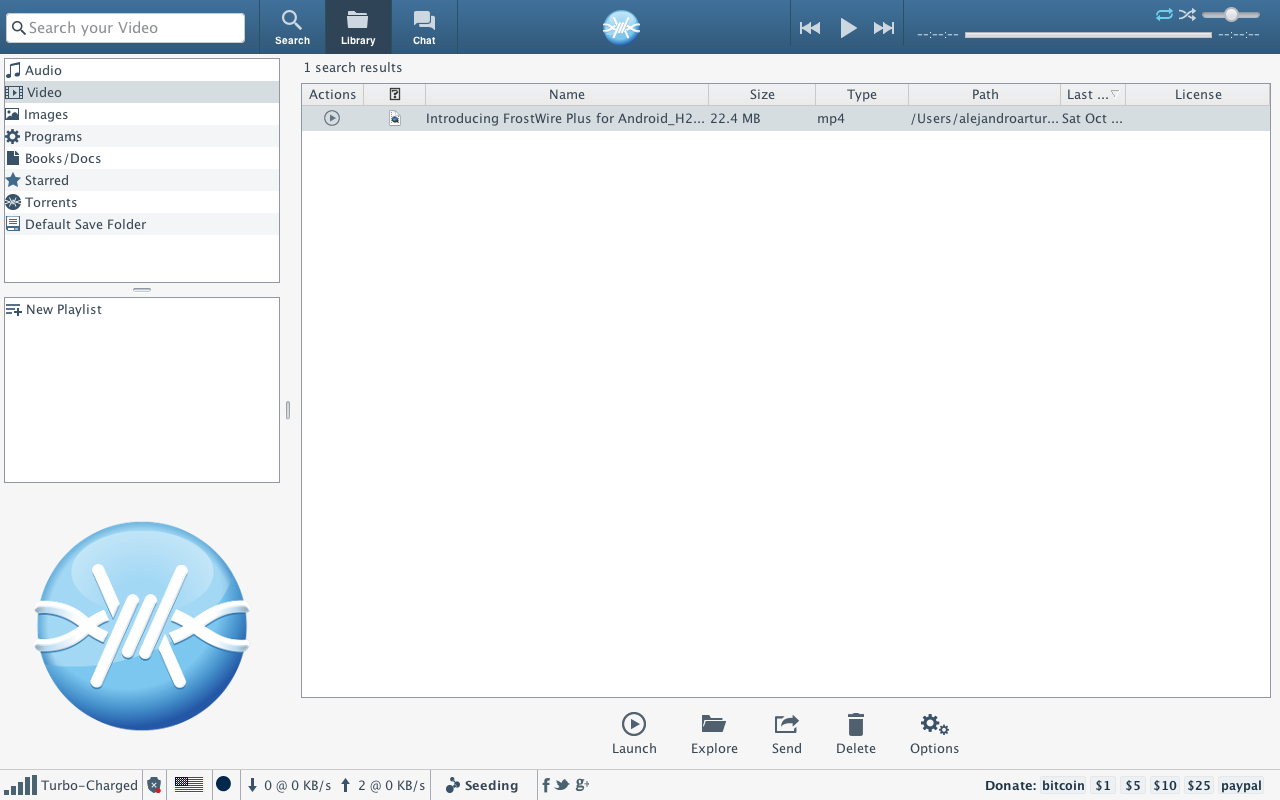
2. Go to the Library. You need to have the video files on FrostWire Library.
libreria frostwire 3. Select the .mp4 video file(s).
4. Right click any of the selected video files and select the option “Extract Audio”

extract audio
5. Wait for the audio extraction to complete. Now you have the audio of the video on the Audio section. If for some reason you don’t see the new extracted m4a files, press [F5] to refresh.

Done

If you have any doubts we’ve also made an instructional video of how to extract audio from videos using FrostWire.

Como instalar o FrostWire no Kali Linux 2.0

João Santos Vieira Junior has made a video in Portuguese language about how to install FrostWire on Kali Linux 2.0. It’s a useful video for our Brazilians friends. Thanks Joao!

If you have made any video about how to use or install FrostWire, please send it to us so we can share it on our social network channels

How to fully stop music playback on FrostWire for Android (VIDEO)

You can use the menu entry on the top right of the music player > Stop.

Or you can Long press the Play/Pause button and the audio playback will completely stop and memory will be freed.

Follow @FrostWire on Twitter

How to send files with FrostWire

Use FrostWire to send files without limits in size or bandwidth, ad free.

The more people you send the file, the better it works. There’s no limit to how many people you can send files.

Welcome to the peer to peer cloud.

FrostWire for Android – How Search, Browse, Filter and Download

Learn the core functionality of FrostWire for Android, the first Mobile P2P Filesharing App on Earth.