FrostWire 1.6.5 build 206 (Release Candidate 2)

The Release Candidate 2 for FrostWire 1.6.5 is now available for download.

If you enjoy FrostWire and you want to test the next release, you can download the release candidate today! Android 6 Testers Needed!

You can download the .apk or the source code.

Remember that a Release Candidate means that is almost done, but we want to test it a lot first. So if you want to help us, you can test it today!

Think you’ve found a bug? Please report it!

Changelog

FrostWire 1.6.5 - OCTOBER/22/2015
 - Fixes bug where search results that have finished didn't refresh
   user interface and users would think FrostWire was searching forever.
 - Compatible with Android 6 (Marshmallow) new permissions framework.
 - Won't crash on Android 6.
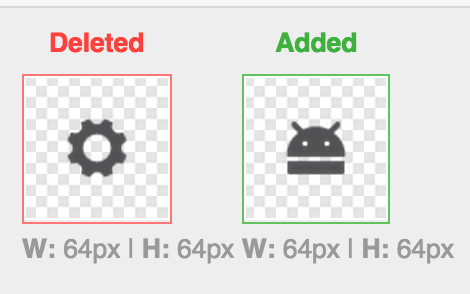
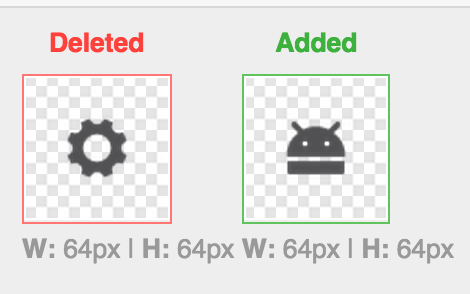
 - Apk search results icon is now an Android head.
 - Fixes SoundCloud search.
 - Multiple crash fixes.
 - New Keep In Touch dialog after the installation wizard.
 - New Copy Magnet action on transfers.
 - New Copy Infohash action on transfers.
 - New "Help" menu entry.

New .apk search/file browsing results Android-head icon
new-apk-results-icon

New ‘Copy Magnet’ and ‘Copy InfoHash’ actions available on saved .torrent files and ongoing torrent transfers
copy-magnet-copy-infohash

New Social Links invites after you install or when you visit About screen
updated-about-page

Double menu selection bug fixed
frostwire-menu-bug-fixed

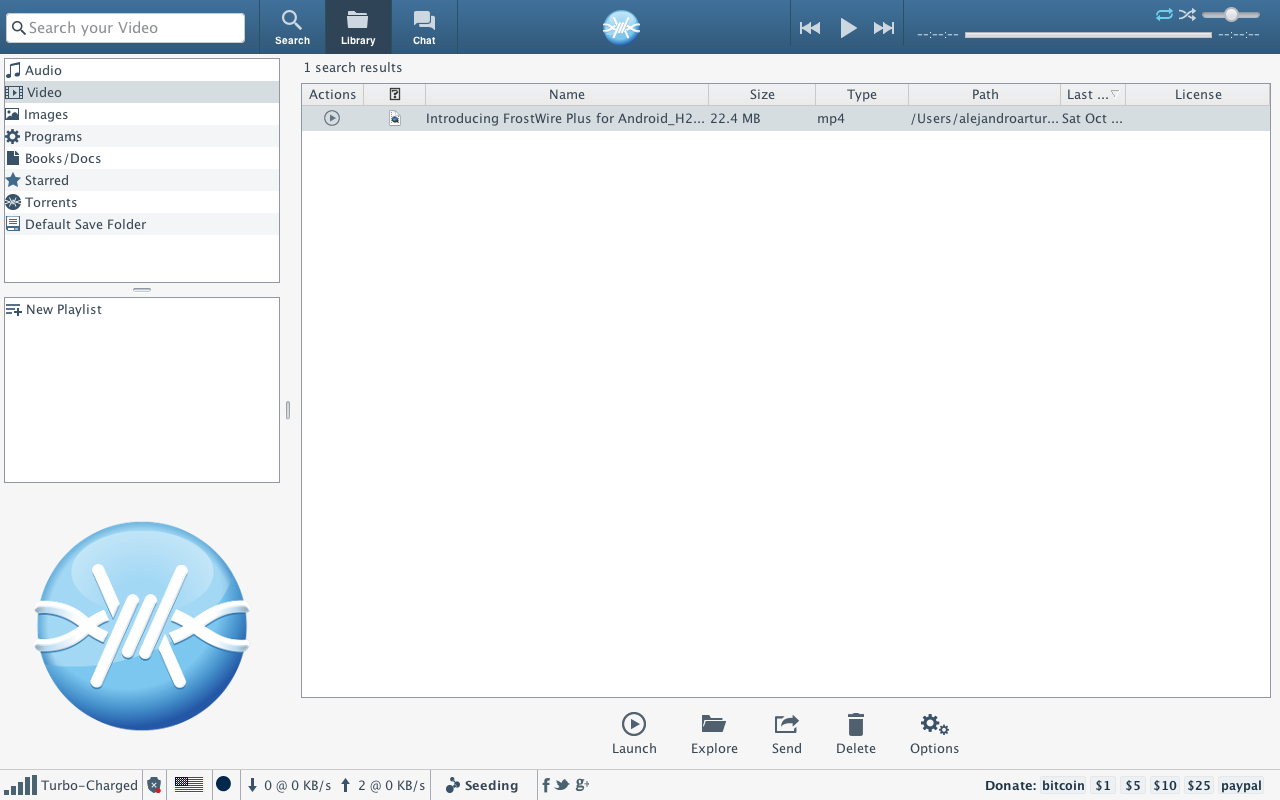
New “Help” menu entry

Screen Shot 2015-10-22 at 10.58.14 PM

6 FrostWire for Android Settings You Can’t Ignore!

FrostWire for Android has many options to improve your experience and make more useful this app. This video will show you the most useful of FrostWire’s for Android settings and how to use them. You will learn how to save your downloads in Internal Storage or SD Card; how to download on Wi-Fi only; how to pick only the search engines you need; and more!

Remember that there is really no best way to set up FrostWire settings for optimal performance, just the best way to set it up for what you need 🙂

Need help? Ask a question or report a bug on FrostWire Support.

How to save mobile data downloading torrents?

There are some moments —some sad moments— when you are away from home/work/school and you don’t have wi-fi to connect. If that’s the case, maybe your mobile phone will start consuming data. And if you run out of mobile data without realizing it, you may be in trouble.

So today we are going to explain how to save mobile data. Sometimes, you only to change a few settings on your Android in order to not use mobile data. For example, if you don’t want to use your mobile data downloading torrents. We made a very useful video explaining how to save mobile data downloading torrents from BitTorrent with FrostWire.

Did you like this video? Subscribe to our channel on YouTube.

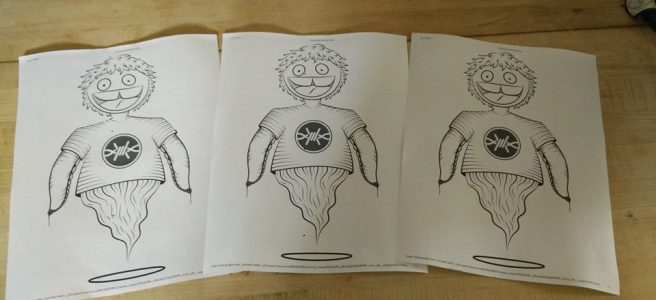
FrostWire Fan Art for Your Kids to Color!

We’re so very happy to share a FrostWire Fan Art for your kids to color!  It is a fun character waiting to be colored!
This drawing was made by Jomabox Design from Colombia.


frostwire fan art

Got coloring skills? Share your drawing in the comments!

¡Mira los videos de FrostWire en español!

This article is written in Spanish.

Como muchos de nuestros usuarios provienen de América Latina, o son hispanohablantes, hemos decidido hacer una versión en español de nuestros videos de ayuda de FrostWire. Puedes ver todos nuestros videos en YouTube y suscribirte a nuestro canal para no perderte ninguno. A continuación te dejamos algunos de los videos imperdibles que debes ver si usas FrostWire.

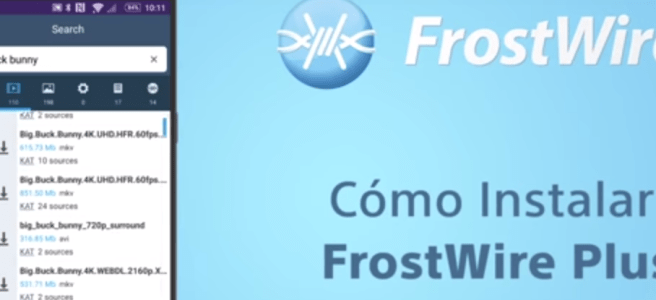
¿Cómo instalar FrostWire Plus?

¿Cómo descargar desde YouTube en Android?

¡6 ajustes de FrostWire que no puedes ignorar!

Tips to save battery on Android

Do you get angry when your cellphone is running out of battery? Do you want to learn how to save battery on your Android device? We made a video that can help you! Sometimes you just need to do some little things in order to save battery!

This video will show you how to save battery when downloading files from the BitTorrent Network and YouTube when using FrostWire Plus for Android

Did you like this video? Subscribe!

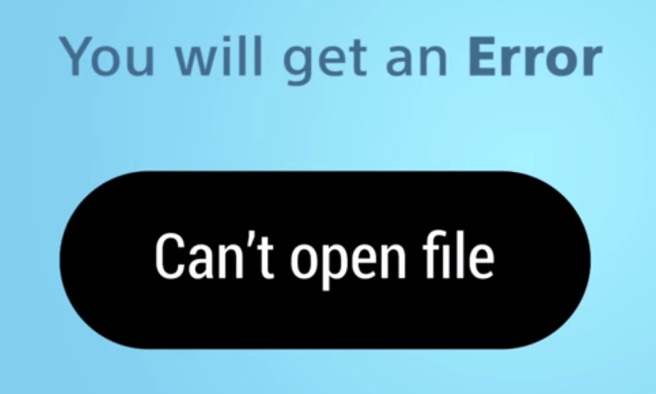
How to fix ‘Can’t Open File’ error on Chrome for Android

Do you want to install FrostWire Plus on your Android and you’re getting the error:
“Can’t Open File”?

Screen Shot 2015-10-10 at 11.21.39 AM

We’ve made this video to show you how to fix the ‘Can’t Open File’ error on Google Chrome when downloading .apk files on Android.

This tutorial works not just for the FrostWire installer but for any app installer (.apk file) you may have had to download from a website, and it works for every Android phone or tablet.

There’s no reason why Google Chrome should be blocking the installation of .apk’s with their browser which happens to be the default of most phones out there, any app can handle opening .apk files, Google has simply decided to have more control of the android ecosystem and is trying to force everyone to use their Google Play market.

If things keep going this way, Google will be able to censor app developers completely if apps don’t follow their whimsical market rules, eventually they’ll turn Android into an iOS like environment where you can’t simply install apps without using the official store, the biggest bait and switch in the history of personal computing. Google, don’t be evil.

Do you like this video? Subscribe FrostWire on YouTube and watch all our how to videos.

Listen to Shinobi Ninja. Free FrostWire Mixtape 2015

We’re so happy to announce that our new Free FrostWire Mixtape 2015 features Shinobi Ninja. Shinobi Ninja  is an American rock band from Brooklyn, New York. The band is known for high-energy performances and eclectic sound, blending music genres such as Hip Hop, Punk, Funk, Metal, Reggae, Electronic, and Rock.

shinobi ninja

On this Mixtape Shinobi Ninja is sharing 5 great free tracks, including 2 hit-tracks from their 2014 album “Escape from New York” (“What If Times” and “Gloom Doom”) and “Honey Trap” from their 2015 album “Artistic Visions”.

You can get the torrent here and download it using FrostWire.

For more information about Shinobi Ninja, read our review on FrostClick. Also, you can follow Shinobi Ninja on Facebook and Twitter.

How to Extract Audio from Videos

Many times we want to extract audio from videos in order to listen to or to use in a project. FrostWire allows you to easily extract audio from videos.

1. Open FrostWire (if you don’t have FrostWire yet, download it for free on FrostWire.com).
2. Go to the Library. You need to have the video files on FrostWire Library.
libreria frostwire 3. Select the .mp4 video file(s).
4. Right click any of the selected video files and select the option “Extract Audio”

extract audio
5. Wait for the audio extraction to complete. Now you have the audio of the video on the Audio section. If for some reason you don’t see the new extracted m4a files, press [F5] to refresh.

Done

If you have any doubts we’ve also made an instructional video of how to extract audio from videos using FrostWire.

New icon for App search results on FrostWire for Android

We noticed a lot of people thought the previous icon meant “Setting results” which didn’t make much sense.
Now You will be able to see this new icon on the search page, and my file screen on our next Android release.

frostwire icon new 2

frostwire icon new 1

We want your feedback! If you think that FrostWire needs any feature or any change, please let us know!