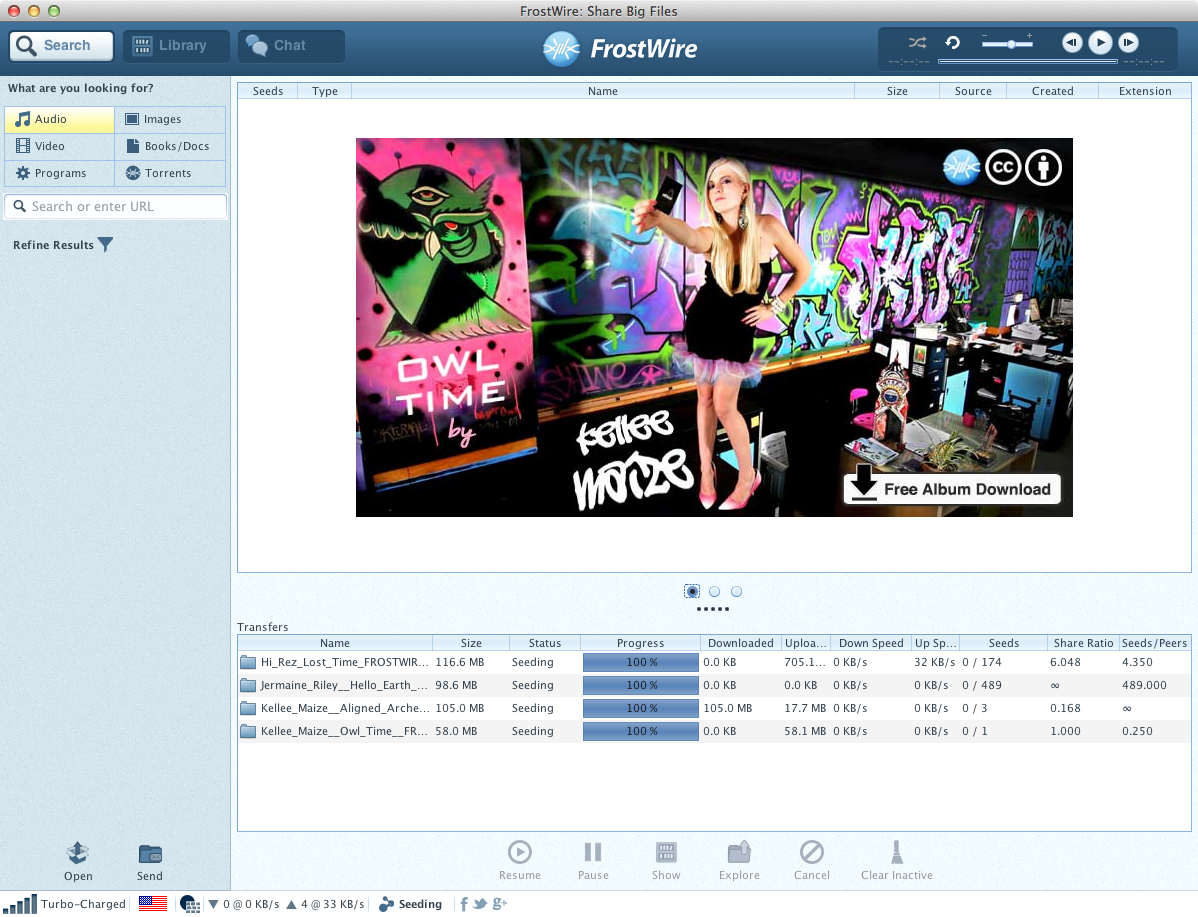
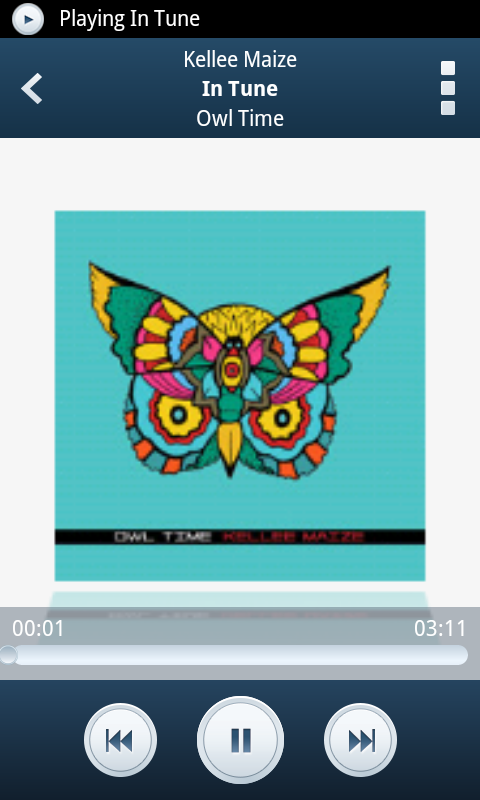
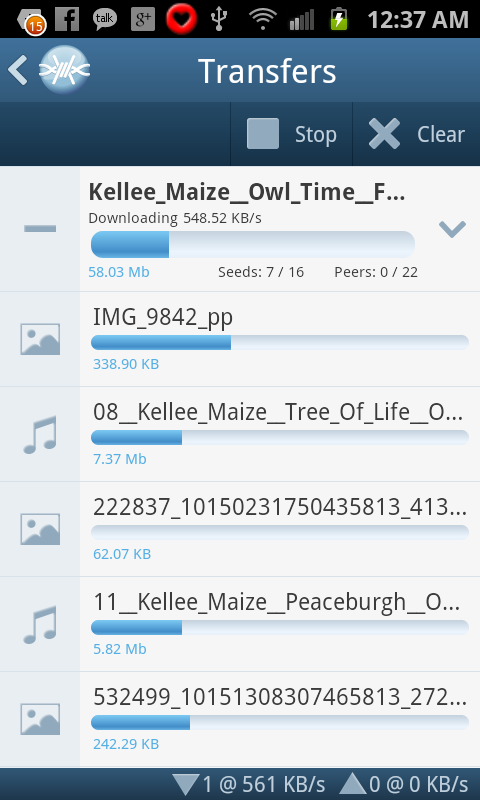
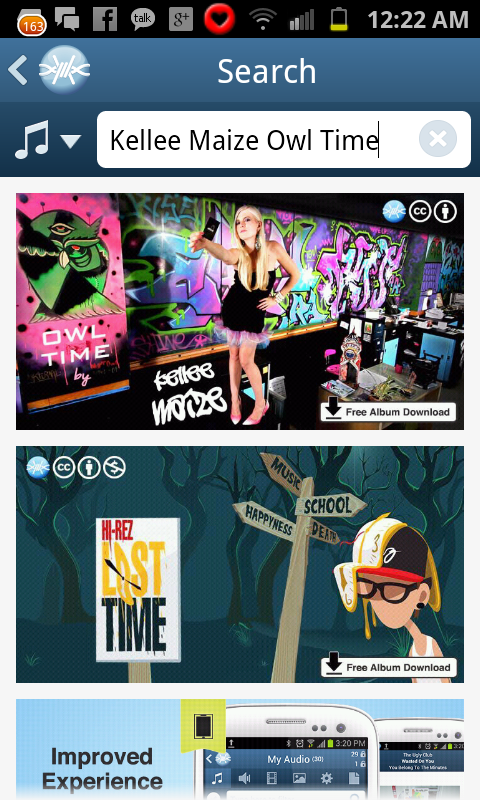
Kellee Maize and FrostWire have collaborated for the third time, in this occasion Kellee has given FrostWire the exclusive opportunity to bring you her new album “Owl Time” today 12/12/12.
Kellee Maize has licensed this album with the most permissive Creative Commons license available, giving you permission in advance to Download, Share, Remix and even use her music commercially.
After breaking all daily download records consecutively with her previous release titled “Fan Fair”, New York City based R&B/Pop/Fashion prodigy Baiyu is back on FrostWire, this time with 13 tracks that’ll knock your socks off.
Are you also on the Hunt?
Here’s some pictures posted by Baiyu on her Twitter Account @BaiyuMusic
Download Album Sometimes you just got it; the right mix of talent, creativity and passion that takes you on the road to bigger things. When you hear and see Hi-Rez at work it’s not hard to predict a self-made hip-hop Super-Star in the making.
This newest release by the 18-year-old South Florida rapper, is a great example of what one sweet mixtape should look like. So go ahead and download The Window, a treat that will take you on a ride filled with super smooth hip-hop beats, some crazy good lyrics, and crisp good production.
Step 1. Make sure FrostWire is running on both your Android and on your PC, and that all devices are connected to the same WiFi network.
You can get FrostWire for Android on Google Play or at FrostWire.com/android. FrostWire is absolutely free to download.
Step 2. On your Android device go to “My Files” and have the files you want to make available public by touching the Padlock icons so that they remain opened.
An open padlock means the file is public for anyone to download from your Android device.
When you make an Audio file public, it’s also available for streaming by FrostWire for Desktop users.
A closed padlock next to a file means nobody can have access to it except yourself.
You can use the checkboxes to select multiple files, once selected touch on any of the selected files for options to share, unshare, and more.
Step 3. On your computer Go to Library, under Devices you should see all the Android devices running FrostWire on the same WiFi network.
FrostWire will show you how many files are publicly available for each device, it will group shared files by data type (music, video, ringtones, pictures, apps)
Step 4. Browse the shared files of your device.
On your computer. Select the files you want to download from your Android and click on the “Save” button.
If the files you’re looking at are audio files, you can also stream them by clicking the “Launch” button or by double clicking on them. You will be now streaming music from your phone or tablet into your computer speakers.
We heard you loud and clear and we fixed over 20 crashes and freezes (gotta love Android fragmentation)
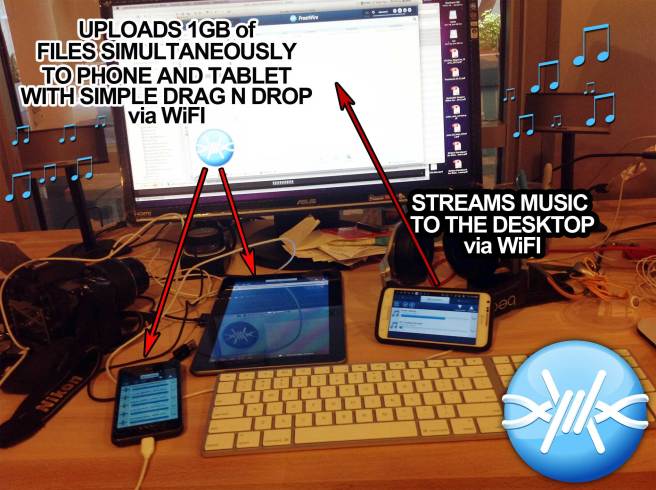
Also we finally added support to upload files from your desktop to your Android.
You can upload to up to 3 different Android devices at the time. We figured you could have a phone, a tablet and maybe your mom could have an Android too, so now you’ll be able to send those baby pictures with just a drag and drop.
Upload gigabytes of files to your Android devices (up to 3 devices at the same time) via WiFi with a simple drag and drop of a folder or a selection of files.
Stream or download the music (that has been made public) by any Android device on your WiFi network and blast with your sound system.



 Official FrostWire Blog