

Do you feel that your Android device is really slow? Do you like your FrostWire Plus app (or any app) but you are having problems because your device is not as fast as you want? Today we are going to give you a few tips in order to speed up your Android phone!
-
Free up some space

-
Clean your Cached Data
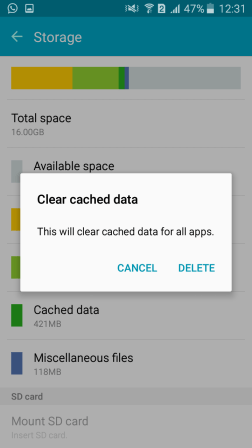
-
Disable animations
- Navigate to About Phone in settings.

- Tap the Build number seven times. You’ll get a message saying that Developer Mode is enabled. If you already have Developer mode enabled on your phone, you don’t need to do this.
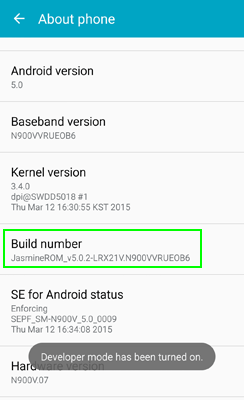
- Navigate to Developer Options in settings. This menu only appears after you’ve enabled developer mode.

- Select Window animation scale.
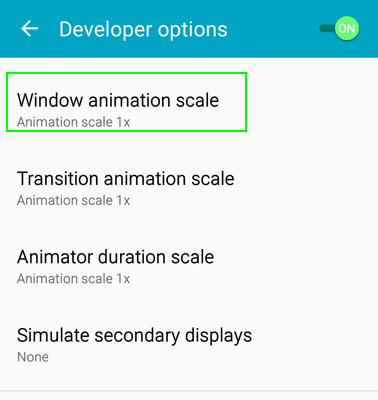
- Set Animation to off.

- Select Transition animation scale and Animation duration scale and set each to off.
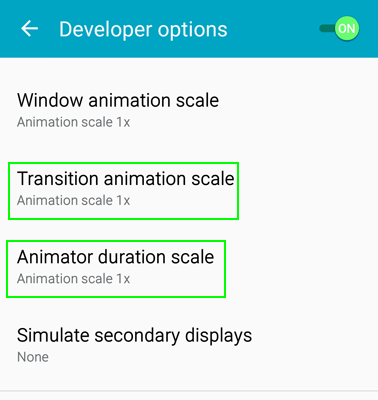
- Navigate to About Phone in settings.
-
Restart your phone
Sometimes you only need to restart your phone if you feel it slowly.
-
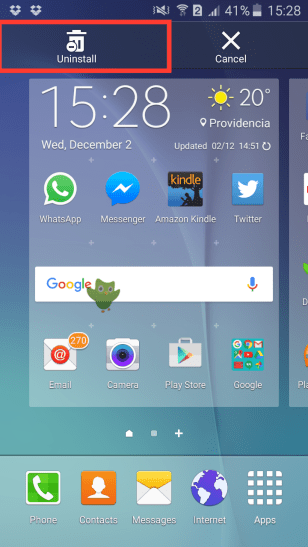
Delete all apps that you don’t use anymore
-
Update your smartphone firmware

 Official FrostWire Blog