Try the new FrostWire 5.7.0 release candidate installers

Image

A new generation of FrostWire is almost here for 2014 and you can try it now before the official release on frostwire.com

FrostWire developers have upgraded the older vuze BitTorrent engine with the latest code from the Vuze/Azureus project, they’ve also replace the java runtime with the latest one from Oracle and this should eliminate binary incompatibility issues some Windows XP users had with the 5.6.x series.

The old chat tab is gone and it’s been now replacd by an IRC Web Client so now FrostWire boots up a bit faster.

Upgrades to search include integration with Torrents.fm a new torrent index with over 3 million torrents and tens of millions of files to search from, as well as bugs and crash fixes.

Help the development team by testing the release candidate installers, if you have any issues with the 5.7.0 RC build 1 installer please leave a message in the comment section below with as much detail as possible about your computer and the conditions under which a problem may have ocurred.

FrostWire is a free, open source BitTorrent client first released in September 2004, as a fork of LimeWire. It was initially very similar to LimeWire in appearance and functionality, but over time developers added more features, including BitTorrent support.

New FrostWire 5.6.9 for Windows, Mac and Linux out

Download FrostWire for Windows
Download FrostWire for MacOSX
Download FrostWire for Ubuntu/Debian/Mint

In this release we’ve made considerable upgrades to make search more reliable, even in the event of a search engine not being available due to high load, errors, or even blockage by network administrators.

88aeda7059f811e3841c0e942e28d0cc_8

We’ve done away with jDownloader libraries (thank you guys, we learned a lot from you, great project), and found more ways to optimize memory usage, hopefully you will feel the difference when searching and using the application overall as we strive to use less resources with every release.

Here’s the full changelog

frostwire (5.6.9) stable; urgency=high
* Insanely faster cloud search results.
* Significant memory optimizations on search result parsing and display.
* Removed jDownloader libraries, less complexity, lighter app.
* Cloud audio downloads are much smaller, no audio demuxing necessary from
video services.
* Cloud video DASH download support.
* Smarter playlist name suggestion algorithm takes into account ID3 tags.
* Fixes bug where new playlists wouldn’t be saved if default name was used.
— FrostWire Team Mon, 2 Dec 2013 17:49:38 -0500

Is FrostWire Safe?

FrostWire – free at http://www.frostwire.com – is a file sharing
application and media hub.

FrostWire, as a stand-alone application, is 100% safe to use. FrostWire
itself will not install any viruses, adware, malware or spyware. But is
there a way you can get your computer in trouble while using FrostWire?
Sure.

FrostWire connects to other computers & online servers to find the
content you are looking for. FrostWire does not itself create, host or
control the content it finds on the internet – the same way internet
browsers do not create, host, or control the websites & files you view
and download through them. There are some safeguards in place to
recognize and prevent malicious content from showing up in the search
results, but none are perfect. Before you download a file:

1) Check if the file size makes sense for the content type you wish
to download
2) Check the Source link to see file comments other
users have left on the hosting website and most importantly, if you
are a Windows user and do anything online, always
3) Make sure you have an up-to-date anti-virus software installed
and you check any file you download before opening it.

Music Credit: “The Big House” by Jason Shaw

http://freemusicarchive.org/music/Jason_Shaw/
Audionautix_Tech_Urban_Dance/TU-TheBigHouse

Licensed under a Creative Commons Attribution License (CC-BY)
http://creativecommons.org/licenses/by/3.0/us/

OSX Mavericks users, How to Prevent App Nap on FrostWire

Screen Shot 2013-10-31 at 1.33.04 PM

Go to Applications (or wherever you have installed FrostWire)

Right click on the the FrostWire Icon > Get Info (or just Press Cmd+I after you’ve selected)

Make sure FrostWire won’t nap when it’s in the background.

Otherwise, you may start a long running transfer and OSX Mavericks will put FrostWire to sleep and your transfer won’t finish.

This is only a temporary work around to this new issue introduced by Mavericks and its awesome power saving tactics, we’re working on an update so that you don’t have to do this in the future.

FrostWire for Android 1.2.0 out with a new flat user interface

Welcome to a new series of FrostWire for Android.

The first thing you will notice is our switch to flat-land design while still keeping our flavor.
A flat user interface means not using any gradients, this makes screen painting faster and more energy efficient, as well as less memory intensive.


New Search
Search now reveals a lot of search results you may have been missing.

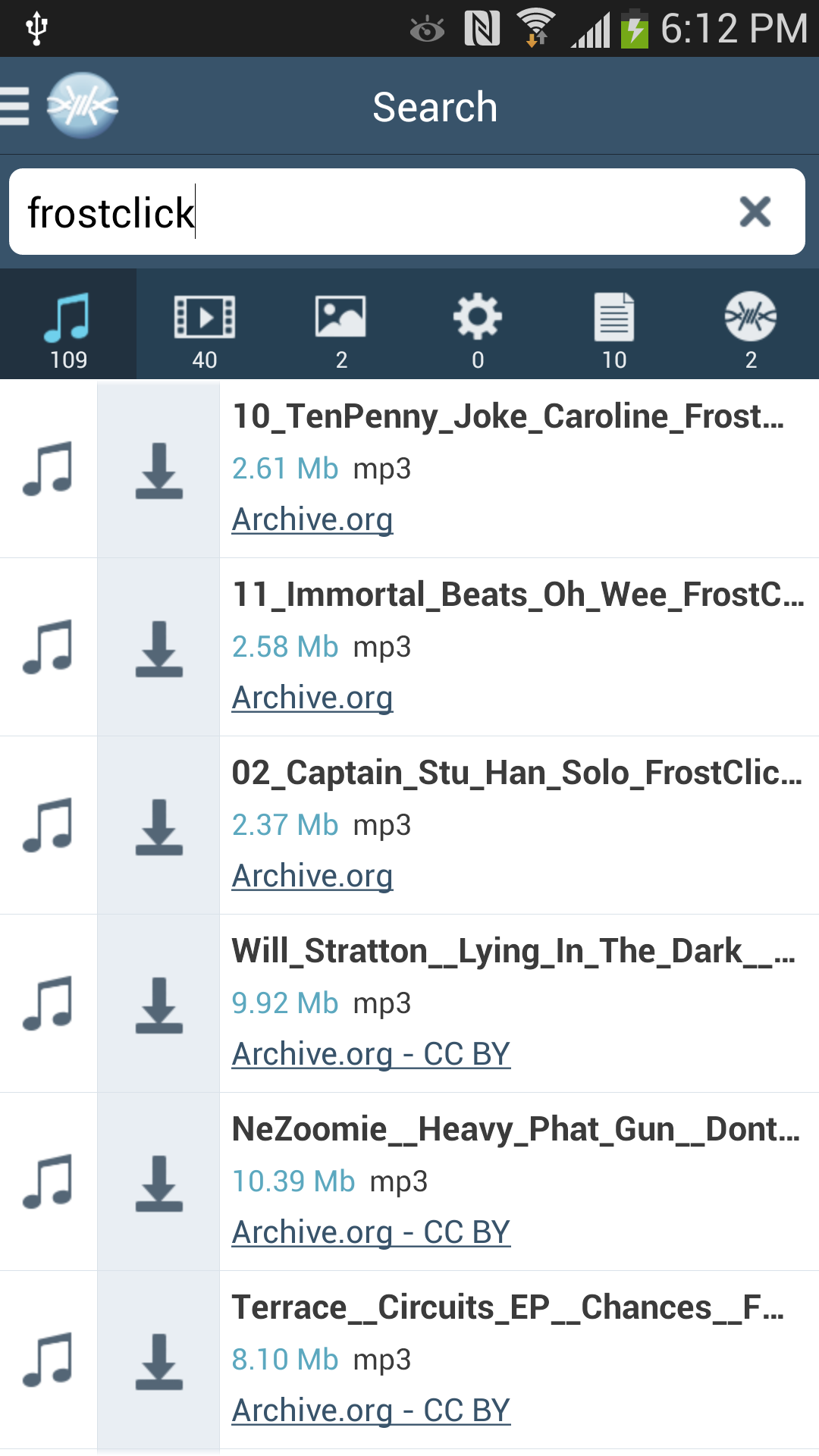
FrostWire is a file type agnostic search tool for your mobile, on this release you will be able to see in real time the number of search results you get per file type (Audio, Video, Documents, Programs and Torrents)

We’ve also made a lot of upgrades under the hood that will make search feel faster and better than ever.
A few new search engines have been added to FrostWire’s smart meta search, and more are coming on further releases of the 1.2.x series.


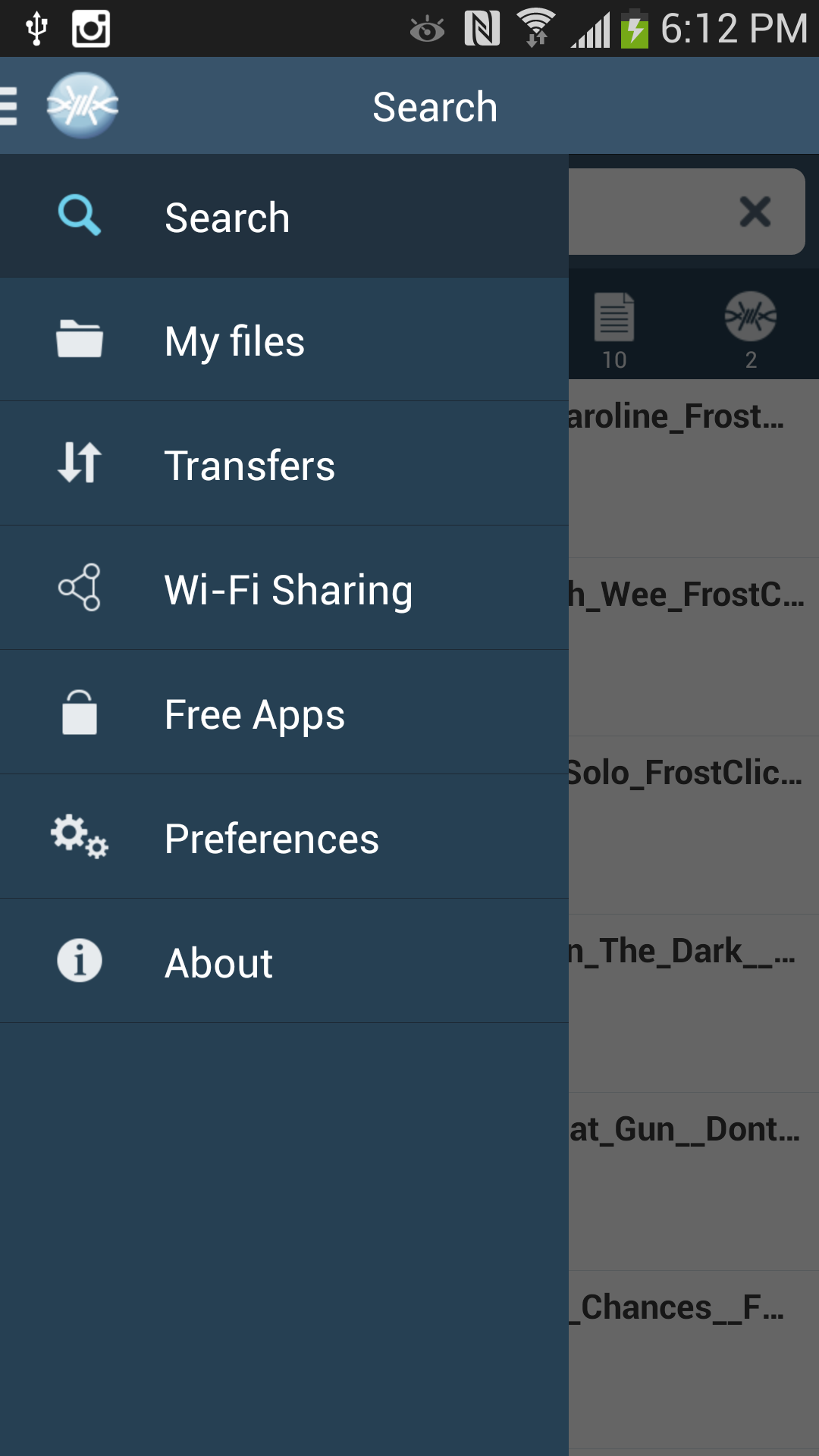
Our first attempt at a navigation menu was ridden with bugs that have been solved with a completely new menu that comes on top from the left side.


Renewed Audio Player

The audio player screen got some love too, notice the new flat buttons, flat progress bar, and new long press gesture on the pause button to completely stop the current song being played.

On the top right there’s a menu with more options, including an option to delete the current track if you don’t like it, something you’d never be able to do with a iOS devices and iTunes.

Also, you can switch songs by swiping your finger to the left or right, and if you want to pause a song you can swipe down with 2 fingers.

Full Changelog
FrostWire 1.2.0 – NOV/01/2013
– New Flat Skin makes screens rendering faster.
– New, more stable, slide in navigation menu.
– Considerable memory usage optimizations.
– Fixed skip-song gesture on top of player seek bar.
– New icons.
– After opening one of My Files, FrostWire will now remember the position of the list of files, no more scrolling down to continue browsing your own files.
– Current song being played now is displayed at the bottom of the navigation menu.
– Current song being played now shows “Stop” icon when browsing your own audio files.
– Updated turkish translation, thanks @Serrae.
– New BitSnoop metasearch.
– New TorLock metasearch.
– Removed ISOHunt metasearch.
– Fixed Monova metasearch.
– French translation updated.

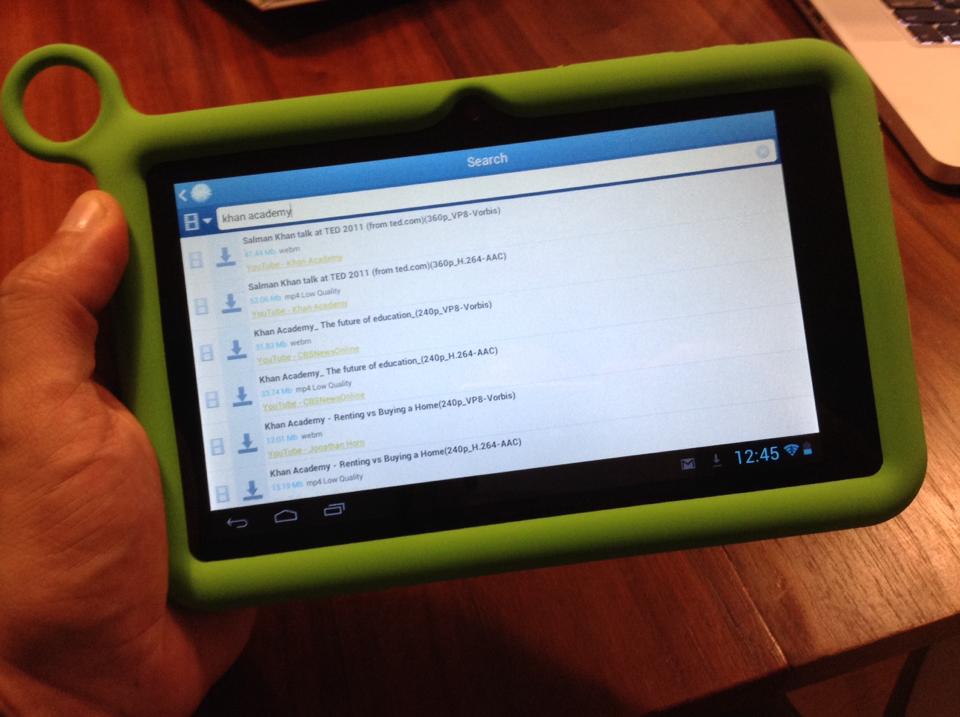
FrostWire running on an #OLPC Tablet

FrostWire running on the OLPC tablet.

FrostWire is a very powerful research tool, its smart file meta search can find millions of files in the public domain and under Creative Commons licenses, among those, many unvaluable books, instructional videos and lectures in every academic discipline.

The One Laptop Per Child project is an amazing educational initiative that has put technology in the hands of over 2.5 million children worldwide, truly transformative stories have ocurred in the process, many will give you the goosebumps to hear.

More recently the project has recognized the evolution in personal computing technology and the advent of tablet devices, and their new iteration is a tablet, an Android tablet.

FrostWire runs on Android, now OLPC users will be able to use the powerful FrostWire smart file meta search technology and Wi-Fi sharing capabilities to discover, learn and share.

About One Laptop Per Child
One Laptop per Child (OLPC) is a project supported by the Miami-based One Laptop per Child Association (OLPCA) and the Cambridge-based OLPC Foundation (OLPCF), two U.S. non-profit organizations set up to oversee the creation of affordable educational devices for use in the developing world. The project was originally funded by member organizations such as AMD, Chi Mei, eBay, Google, Marvell Technology Group, News Corporation, Nortel, Red Hat, and Quanta.

New FrostWire for Desktop 5.6.6 out now

Highly recommended update, with important fixes on meta search.

Download FrostWire Now

Changelog
frostwire (5.6.6) stable; urgency=high
* Fixes ExtraTorrent meta search.
* Polish translation 100% updated.
* New support for anonymous user experience statistics.
— FrostWire Team Fri, Oct 11 2013 15:38:32 -0500

New FrostWire for Android 1.1.4 out

it is highly recommended that you update your FrostWire for Android on this release as it contains very important fixes related to the search experience, lot better now.

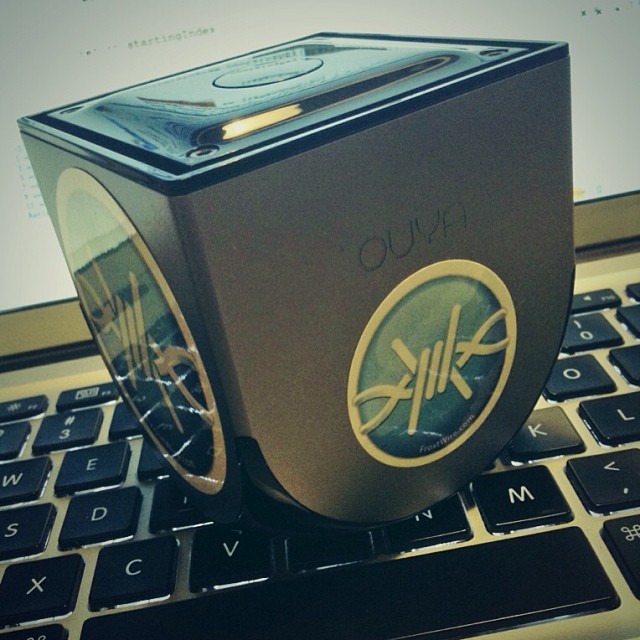
Oh, and it should be OUYA compatible too 🙂

9762bcec2e0811e3a55722000ab5b8c7_8

Changelog
FrostWire 1.1.4 – OCT/11/2013
– Audio player shows correct android notification when paused.
– Fixes ExtraTorrent meta search.
– Removed Vertor meta search. No longer serving .torrents without captcha.
– Updated arabic translation, thanks @nisrmasr.
– Updated spanish translation, thanks @muckachina.
– Updated portuguese translation, thanks @tati110.
– Updated french translation.
– Updated turkish translation.
– Updated polish translation.
– New anonymous usage stats.
– Fixed crashes and NPEs.

Grab a copy, and while you’re at it, order a few free FrostWire stickers to put on your phone or tablet.

How to help translate FrostWire for Desktop (Windows / Mac / Linux)

Help us translate the FrostWire user interface, be part of an open source project, learn new things.

0. Get a GitHub.com account and sign in
Go to GitHub.com and sign up for a free account unless you have one already.

1. Download and install Git on your computer
If you don’t have git installed on your computer, here are instructions on how to install.

git, is a version control software which helps us keep track of all the changes on every file that belong to the FrostWire project.
GitHub.com is a site where we host our source code and its origin git repository (the official one), think of the repository as a database to keep all those file versions.

GitHub is really helpful because it makes colaboration very social, we can comment and review each other’s changes before merging them into the origin repository.

2. Fork us on github.
Go to https://github.com/frostwire/frostwire-desktop/, this is the page for our origin repo. Forking means you will be making a copy of your own inside your github account. You will wok on that one, and when you are done you will send the changes to the origin repo.

For us by clicking on the button that says “Fork” on the top right.

Once the fork is done, you can go to your github personal page, and in the list of your repositories you should have your frostwire-desktop fork.

As of now, that copy lives only at github.com, you could try and edit the files up there, but it’s very uncomfortable working that way, the text editor can be quite slow sometimes, so …

3. Clone your forked repo to your computer
Go to a command line, or with your favorite git client make a clone of YOUR repo (not ours).
If you use the command line git client, you should issue the following command

git clone https://github.com/myusername/frostwire-desktop

wait a few seconds and all the source code and assets that belong to the frostwire-desktop project will be downloaded to a folder called “frostwire-desktop” on your computer.

change directory to it…
cd frostwire-desktop

4. Create a branch for your translation
Create a branch with a name that will help us understand that this is a translation update you’re sending us, it could be named something like
“translation-french-2013-november-myname”, so that we can easily see what language you are translating, on which date you were working on it, and your name so we can give you credit for it.

You create a branch on the git command line like this (just remember to put the name of YOUR branch instead)

Create a branch locally
git branch translation-french-2013-november-myname

Push it to your remote repository
git push origin -u translation-french-2013-november-myname

now your branch lives both on your computer and at your github repository.

Switch to that branch
git checkout translation-french-2013-november-myname

Now you’re ready to start working on your branch.

After we’ve accepted your changes, next time you want to help us do another update of the translation you will have to create a new branch.

5. Make sure the latest english strings have been put into your language.po file
enter the following command to sync strings

ant gettext-extract

(this could take a while to finish as it goes through every line of code looking for translatable strings.)

6. Translate, translate, translate
Now you get to do the actual translation. Translation files are in the following folder inside the frostwire-desktop project
cd lib/messagebundles

If you’re going to translate say to arabic, you will edit the ar.po file, it should be easy to find the language file for the language you intend to work on. We recommend that you use a PO Editor software to make things easier, and always make sure to save the file using UTF-8 encoding.

7. Test your translation
To test your translation, you will need to recreate the message bundle file, for this you will need to invoke the following command

ant gettext-bundle

assuming you didn’t mess up anything in the format of the .po file this should finish after a few minutes of bundling every language file.
If you see any errors you should try to fix them, if you don’t know how to fix them you can reach us on the FrostWire forum, or right here for help.

once the bundle is built, you need to test your translation, for this you will need to build FrostWire, you can do this in one step, from the root frostwire-desktop folder type:

ant

after a couple minutes it should be done compiling everything, and then you can invoke the “run” script right there if you’re on Linux or Mac, if you’re on windows, go to gui/ and invoke the run.bat file.

FrostWire will open, switch to your language and make sure your translations are fine.

8. Time to commit and push your changes

Once you are finished, commit your changes, make sure you don’t make changes in other files than the .po of the language you are working with.
So if you’re working say with italian, you would do (from the frostwire-desktop root directory)

git commit lib/messagebundles/it.po -m "my translation update for italian users"

and then push it to your fork up on github

git push

9. Submit a pull request

Once you see your last commit on github and you are sure you’re finished, it’s time to let us know, so you will submit what’s called a “Pull Request”.
If there are any special notes please let us know, we’ll review your changes, and if everything is good to go, we’ll merge them, and you will make open source history 🙂


How to fully stop music playback on FrostWire for Android (VIDEO)

You can use the menu entry on the top right of the music player > Stop.

Or you can Long press the Play/Pause button and the audio playback will completely stop and memory will be freed.

Follow @FrostWire on Twitter